 Zoho CRM Implementation
 Zoho One Consulting
 Zoho Books Setup
 Zoho Analytics & BI
 Data Migration Services
 Zoho Desk Automation
 Zoho Creator Development
 Zoho Automation Services
 Zoho Widget Development
 Zoho Extension Development
 Deluge Development
 Zoho Integration Services
 Zoho API Integration
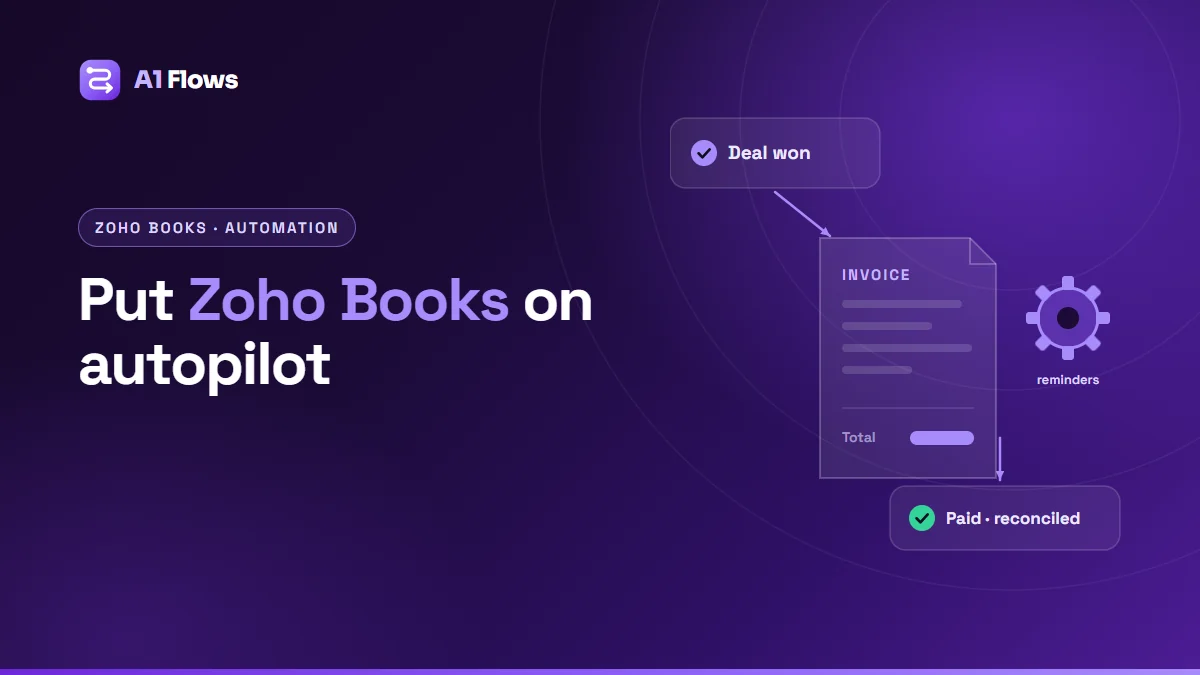
Zoho Books automation is the set of features that take routine finance work off your team: invoices that raise themselves, reminders that chase overdue payments, bank transactions that categorise themselves, and custom rules written in Deluge for anything the standard settings cannot do. Most of it is configured, not coded – and the parts that are coded are usually short.
This guide covers what Zoho Books can automate, how each tool works, practical examples, and where the limits are.
In this guide
- What is Zoho Books automation?
- Problems it solves
- The automation tools in Zoho Books
- Practical examples
- How to set up a workflow rule, step by step
- Best practices and limits
- Frequently asked questions
What is Zoho Books automation?
Zoho Books is Zoho’s accounting software – invoicing, bills, expenses, banking, tax and reporting. Automation in Books ranges from simple built-in features you switch on (recurring invoices, payment reminders) to workflow rules that act when a transaction meets conditions, to custom functions and schedules written in Deluge for logic specific to your business.
Most automation settings live under Settings > Automation in Zoho Books. What is available depends on your plan and your country’s edition of Books, so check yours before designing a process around a particular feature.
Problems it solves
- Invoices raised late, or not at all. When billing depends on someone noticing a closed deal or a finished job, some get missed. Automation ties the invoice to the event that should create it.
- Time spent chasing payments. Reminders sent on a schedule do the chasing politely and consistently.
- Bank reconciliation by hand. Bank feeds and rules categorise routine transactions so people only review the exceptions.
- Documents filed manually. Invoice and receipt PDFs can be saved to the right place automatically.
- Rules that live in people’s heads. “Any credit note over this amount needs approval” becomes a rule Books enforces.
The automation tools in Zoho Books
Recurring invoices and bills
For subscriptions, retainers and regular supplier bills: define the frequency and the template once, and Books creates each one on schedule.
Payment reminders
Automatic emails before and after an invoice’s due date, at intervals you choose, with templates you can edit.
Bank feeds and bank rules
Where your bank is supported, transactions are imported automatically. Rules then match and categorise recurring transactions – the monthly software subscription, the rent – so they do not need a person each time.
Online payments
Payment gateways added to invoices let customers pay from the invoice itself, with the payment recorded against it automatically.
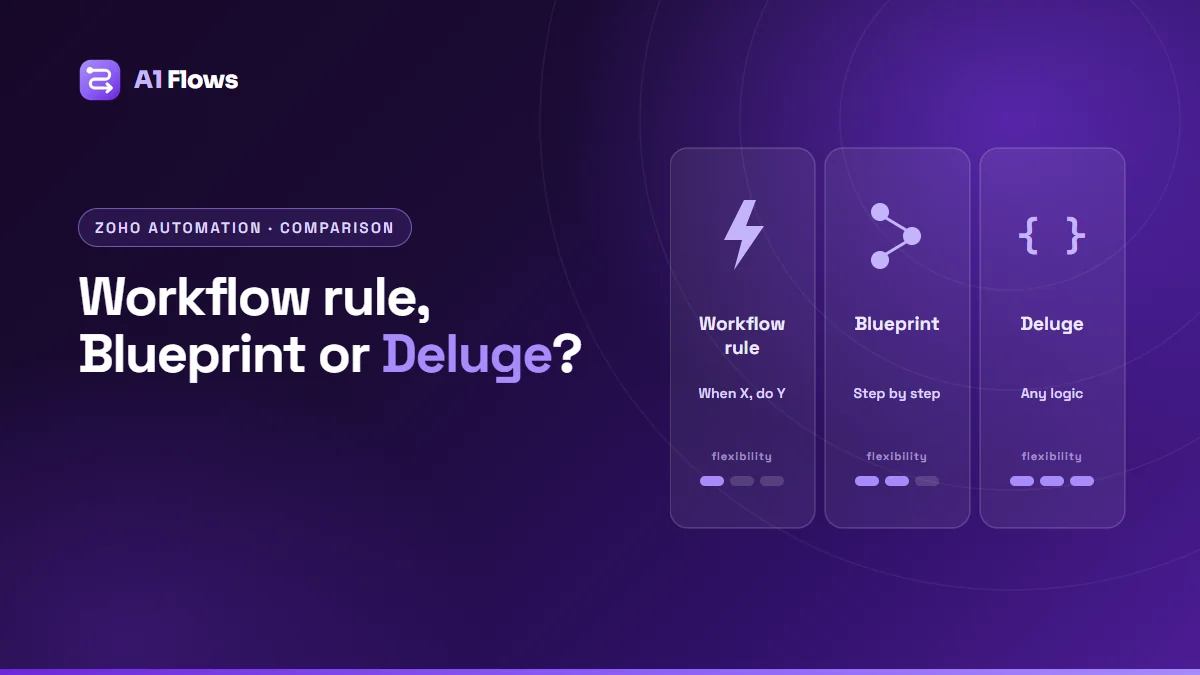
Workflow rules
Rules that run when a record meets conditions – triggered by an event (created, edited) or by a date (for example, a set number of days before a due date). Zoho’s documentation lists actions including email alerts, field updates, webhooks and custom functions, across modules such as sales and purchase transactions, contacts, items and bank transactions.
Custom functions
Deluge scripts that run as a workflow action. Zoho’s documentation places them under Settings > Automation > Workflow Actions > Custom Functions: you name the function, choose its module, write the logic in Deluge, and attach it to a workflow rule.
Schedules
Deluge functions that run on a recurring timetable – daily, weekly, monthly or yearly – rather than in response to a record. Zoho’s documentation notes a maximum of 20 custom schedules per organisation, so they are best kept for jobs that genuinely need to run on a timer.
Approvals
Transaction approval workflows that hold invoices, bills or other documents until the right person has approved them.
Zoho’s Books automation documentation lists the current options in full.
Practical examples
Invoice from a won deal in Zoho CRM
When a deal closes in CRM, the customer and invoice are created in Books with the right items and terms. This connects the sales pipeline to billing so no closed deal goes uninvoiced. See our guide to integrating Zoho CRM with Zoho Books.
Automatic PDF filing
Each new invoice’s PDF is saved to the matching customer folder in Zoho WorkDrive by a custom function. We walk through a complete implementation in automating Zoho Books invoice PDFs into WorkDrive.
Escalating overdue invoices
Payment reminders handle the customer side. A date-based workflow rule can additionally alert the account manager when an invoice is a set number of days overdue, so a personal call follows the automated emails.
Enforcing a discount rule
A workflow rule on invoice creation checks the discount; anything above a threshold goes for approval instead of being sent.
Monthly customer statements
A schedule runs at month end and emails statements to customers with open balances.
A simple custom function
This sketch flags large invoices for review by updating a custom field. Field API names will differ in your organisation.
// Workflow action on Invoices; Books passes the invoice as a map
amount = invoice.get("total");
if(amount > 10000)
{
    // mark for review via a custom field, or call another system
    info "Invoice " + invoice.get("invoice_number") + " needs review";
}
Real functions usually do more – look up a related record, update a field through the Books API, or notify someone – but the shape is the same: read what triggered the rule, decide, act.
How to set up a workflow rule, step by step
- In Zoho Books, open Settings > Automation and go to Workflow Rules.
- Create a new rule, give it a name, and choose the module – for example Invoices.
- Choose when it runs: on an event such as creation or edit, or on a date relative to a field such as the due date.
- Set the conditions the record must meet.
- Add the actions: an email alert, a field update, a webhook, or a custom function.
- Save, then test with a record that meets the conditions and one that does not.
Menu labels can vary slightly between regional editions of Zoho Books.
Best practices and limits
- Get the foundations right first. Automation built on a wrong chart of accounts or tax setting produces wrong numbers faster. Our Zoho Books implementation checklist covers the setup that should come first.
- Keep your accountant involved. Anything that posts transactions or changes how they are categorised should be agreed with whoever signs off your accounts.
- Prefer built-in features to custom code. Recurring invoices and reminders are maintained by Zoho; a custom function doing the same job is yours to maintain.
- Use schedules sparingly. With a cap on custom schedules, combine related jobs into one where you can.
- Test with real edge cases – credit notes, partial payments, multi-currency invoices – before switching a rule on.
- Log and alert in custom functions. A finance automation that fails silently is found at month end, which is the worst time to find it.
Frequently asked questions
Can Zoho Books send payment reminders automatically?
Yes. Books can send reminders before and after the due date at intervals you set, using templates you can customise.
Do I need to know Deluge to automate Zoho Books?
No, for most automation. Recurring invoices, reminders, bank rules and many workflow actions are configuration. Deluge is only needed for custom functions and schedules.
Is workflow automation available on every Books plan?
No. Workflow rules, custom functions and some other automation features are limited to certain plans, and features vary by country edition. Check Zoho’s current plan comparison for your region.
Can Zoho Books create invoices from Zoho CRM automatically?
Yes, through the Zoho CRM and Books integration, or with a custom function when you need specific mapping or rules.
Can Books automation call other systems?
Yes. Workflow rules can send webhooks, and custom functions can call external APIs.
How many schedules can I create?
Zoho’s documentation states a maximum of 20 custom schedules.
Will automation replace our bookkeeper?
No. It removes repetitive data handling so the people responsible for your accounts spend their time on review and judgement rather than typing.
Where to start
Switch on the built-in features first – recurring invoices, payment reminders, bank feeds – then add workflow rules for your specific policies, and keep custom functions for the few things nothing else can do.
If you would like Books set up and automated for you, see our Zoho Books setup and automation service.