 Zoho CRM Implementation
 Zoho One Consulting
 Zoho Books Setup
 Zoho Analytics & BI
 Data Migration Services
 Zoho Desk Automation
 Zoho Creator Development
 Zoho Automation Services
 Zoho Widget Development
 Zoho Extension Development
 Deluge Development
 Zoho Integration Services
 Zoho API Integration
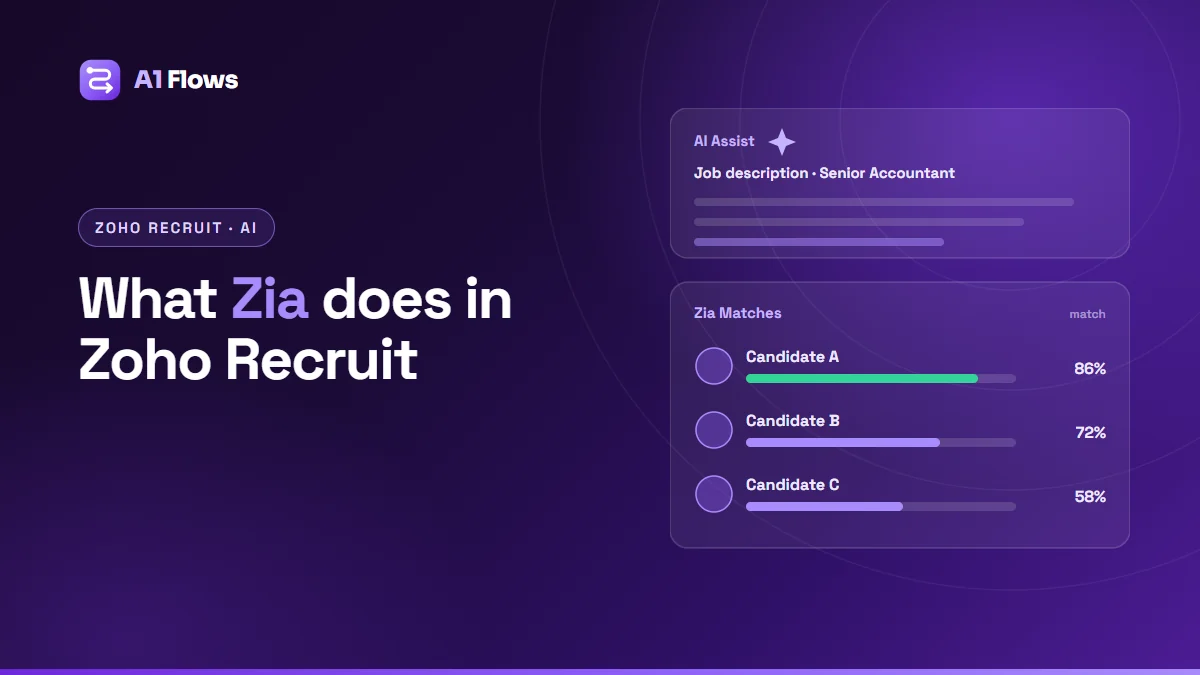
Zia is Zoho’s AI assistant, and in Zoho Recruit it takes on the repetitive parts of hiring: drafting job descriptions and messages, ranking candidates against a job, summarising profiles, talking to visitors on your career site, and supporting screening, assessments and one-way interviews. It runs on Zia LLM, Zoho’s own model, with the option to connect ChatGPT. The decisions – who to interview, who to hire – stay with your recruiters.
This guide explains each Zia feature in Zoho Recruit, what it is good for, and how to roll it out without trusting it further than it has earned.
In this guide
- Zia’s features in Zoho Recruit at a glance
- AI Assist: job descriptions and messages
- Zia Matches: ranking candidates
- Profile summaries
- Sourcing and screening bots
- Assessments and interview insights
- How to roll Zia out, step by step
- Where human judgment stays
- Frequently asked questions
Zia’s features in Zoho Recruit at a glance
| Feature | What it helps with |
|---|---|
| AI Assist | Drafting job descriptions, emails, SMS texts and notes |
| Zia Matches | Ranking candidates against a job opening |
| Profile Summary | A short overview of a candidate’s profile |
| Sourcing Bot | Chatting with visitors on the career site and candidate portal |
| Screening Bot | Initial screening of applicants |
| AI-powered Assessments | Assessing candidates’ skills |
| AI Interview Insights | Reviewing one-way interviews |
Zoho adds to this list regularly – Recruit’s release notes show Zia Summary arriving in May 2026 and “Compare Applications and Zia Insights” in beta in October 2026 – so check what your plan includes today.
AI Assist: job descriptions and messages
According to Zoho, AI Assist generates job descriptions, emails, SMS texts, notes and more. It removes the blank page; it does not know your role. Give it the specifics – the team, the real responsibilities, the must-haves versus nice-to-haves, the working pattern – and edit what it produces. A generic description attracts generic applicants.
Zia Matches: ranking candidates
Zia Matches compares candidates with a job opening and shows the best fits – up to 20 at a time – with a Refine Match option. Zoho documents how the score is weighted:
- Skills: 60%, split between primary skills (60% of that) and secondary skills (40%).
- Keywords, experience, education and industry: 10% each.
The practical consequence: Zia Matches is only as good as the skills on your job openings and candidate records. If openings list vague or incomplete skills, the ranking reflects that. Zia Matches is documented for the Professional, Enterprise and People Plus plans and Zoho One.
Profile summaries
Profile Summary condenses a candidate’s profile into a short overview, so a recruiter can decide quickly whether to read the full CV. Zoho added it in August 2025 and made it multilingual in November 2025. Treat a summary as a reason to open the profile, not a replacement for reading it before an interview.
Sourcing and screening bots
The Sourcing Bot talks to visitors on your career site and candidate portal, so interested people get answers and a route to apply instead of leaving. Turn it on in Setup > Zia > Chatbot and manage it under Sourcing Bot.
The Screening Bot, added in February 2025, handles the first round of screening, and since February 2026 can be triggered automatically. Write its questions as carefully as you would an application form – they decide who moves forward.
Assessments and interview insights
AI-powered Assessments (added September 2025) help evaluate candidates’ skills, and AI Interview Insights (November 2025) help review one-way interviews, where candidates record answers in their own time. Both save reviewer time on high-volume roles. Both are inputs to a decision, not the decision.
How to roll Zia out, step by step
- Clean up job openings first – especially skills – since Zia Matches leans on them heavily.
- Start with AI Assist for job descriptions and messages; it is low-risk and saves time immediately.
- Pilot Zia Matches on one role and compare its shortlist with your recruiters’ own. Where they differ, find out why.
- Switch on the Sourcing Bot once your career site content is current, so it gives accurate answers.
- Add screening and assessments to high-volume roles, with questions reviewed by the hiring manager.
- Write down the rules: what Zia may suggest, what a person must check, and who reviews outcomes over time.
Where human judgment stays
- Final decisions. Zia ranks and summarises; people decide.
- Fairness. Check that shortlists are not consistently excluding groups of candidates, and adjust job requirements that do not reflect the real job.
- Accuracy. Read summaries and generated text before acting on them or sending them.
- Candidate experience. Automated messages should still sound like your company, and candidates should be able to reach a person.
Frequently asked questions
What is Zia in Zoho Recruit?
Zoho’s AI assistant inside Recruit. It drafts job descriptions and messages, ranks candidates with Zia Matches, summarises profiles, runs sourcing and screening bots, and supports assessments and one-way interview review.
Does Zia make hiring decisions?
No. It ranks, summarises and drafts. Who is interviewed and hired remains a recruiter’s and hiring manager’s decision.
How does Zia Matches score candidates?
Zoho documents a weighting of 60% for skills (split between primary and secondary skills) and 10% each for keywords, experience, education and industry. It shows up to 20 candidates.
Which plans include Zia Matches?
Zoho documents Zia Matches for the Professional, Enterprise and People Plus plans and Zoho One.
Does Zia use ChatGPT?
Zia runs on Zia LLM, Zoho’s own model. ChatGPT can be connected as an option.
How do I turn on the Sourcing Bot?
In Setup > Zia > Chatbot, switch the chatbot on and manage it under Sourcing Bot. It works on the career site and candidate portal.
Next steps
Start with clean job openings and AI Assist, then add matching and bots one at a time, checking results against your recruiters’ judgment as you go. Zoho Recruit is part of Zoho One; if you are rolling out several Zoho apps together, see our Zoho One implementation checklist and Zoho One consulting.