 Zoho CRM Implementation
 Zoho One Consulting
 Zoho Books Setup
 Zoho Analytics & BI
 Data Migration Services
 Zoho Desk Automation
 Zoho Creator Development
 Zoho Automation Services
 Zoho Widget Development
 Zoho Extension Development
 Deluge Development
 Zoho Integration Services
 Zoho API Integration
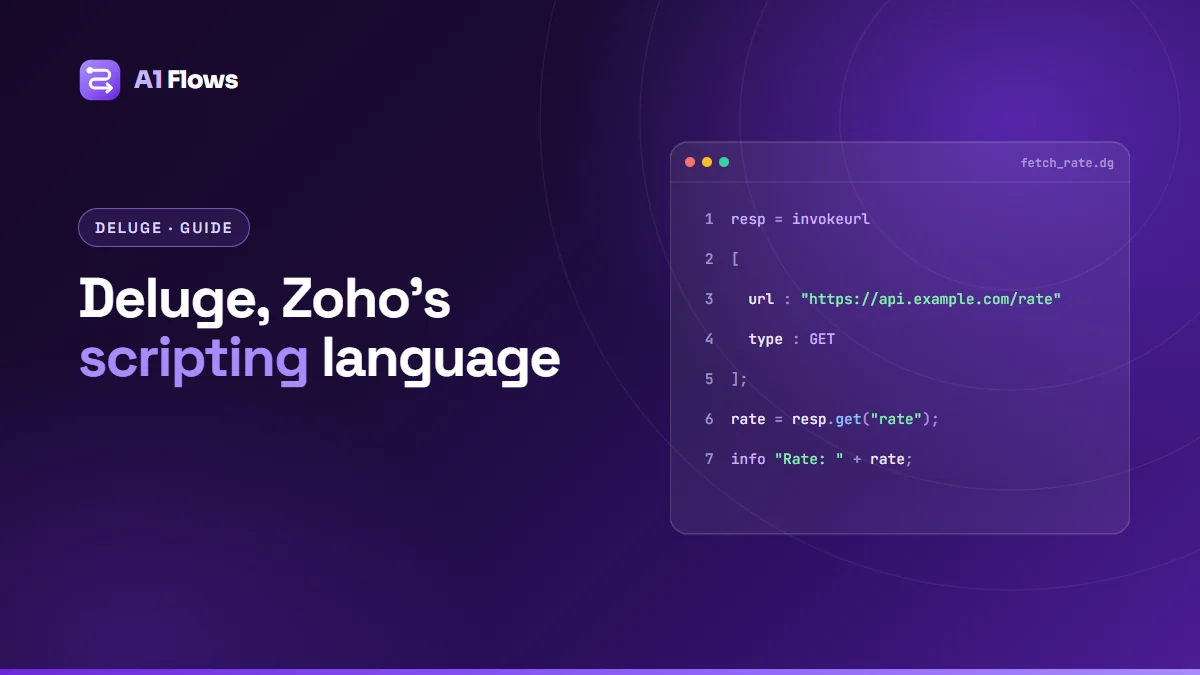
Deluge is the scripting language built into Zoho. If you have ever added a workflow in Zoho CRM, written a function in Zoho Creator, or automated anything in Books, Desk or Flow, you have either written Deluge or you are one setting away from needing to.
This is a practical guide to the language itself: what it is, how the syntax works, where it runs, and the handful of things that trip people up in their first month. It is written for someone who can already program a little and wants to get productive in Deluge quickly, not for someone looking for a list of features.
What is Deluge?
Deluge stands for Data Enriched Language for the Universal Grid Environment. Zoho built it as an online scripting language, which is the important detail: it runs on Zoho’s servers, inside Zoho’s products. You do not install it, you do not host it, and there is no local runtime. You write it in the product’s own editor and it executes there.
That design decision explains most of what Deluge is and is not. It is deliberately small, because it only has to do the things business automation needs. It has first-class access to Zoho data, because that is the whole point. And it has limits on how long a script may run and how much it may do, because thousands of other customers are sharing the same servers.
If you are coming from another language, the closest comparison is a scripting language with the ceremony stripped out. There are no classes, no imports, no build step and no package manager. You write statements, they run in order, and the integration functions you need are already in the global namespace.
Where Deluge runs
Deluge is not one feature in one product. The same language appears across the Zoho suite, with a slightly different set of available functions in each place:
- Zoho CRM — functions, workflow actions, validation rules, scheduled functions, and buttons. This is where most commercial Deluge gets written.
- Zoho Creator — form and field workflows, scheduled workflows, report actions and page scripts. Creator is where Deluge is most central, because the whole application is built on it.
- Zoho Desk, Books, Inventory, People, Recruit — custom functions attached to the product’s own automation rules.
- Zoho Flow and Cliq — custom functions and bot handlers inside otherwise no-code automations.
- Zoho Catalyst — as one of the supported function runtimes.
The language is the same everywhere. What changes is which integration tasks are available and what the script is triggered by. A function in CRM runs against a CRM record; the same logic in Creator runs against a form submission.
Deluge syntax: the parts you need on day one
Statements end with a semicolon. Blocks use braces. Comments use // for a line or /* */ for a block. Beyond that, there is less to learn than you would expect.
Variables and data types
You do not declare a type. Assign a value and Deluge infers it:
name = "Priya Sharma";
count = 12;
rate = 0.075;
active = true;
today = zoho.currentdate;
The types you will actually use are text, number (int and decimal), boolean, date-time, list, map and file. List and map carry almost all of the real work:
// A list - ordered, indexed from 0
emails = List();
emails.add("one@example.com");
emails.add("two@example.com");

// A map - key/value, the shape of every API payload you will ever send
payload = Map();
payload.put("Last_Name", "Sharma");
payload.put("Email", "priya@example.com");
You can also write them literally, which is shorter and reads better:
emails = {"one@example.com", "two@example.com"};
payload = {"Last_Name": "Sharma", "Email": "priya@example.com"};
Conditionals and loops
if(amount > 10000)
{
    tier = "Enterprise";
}
else if(amount > 1000)
{
    tier = "Business";
}
else
{
    tier = "Starter";
}

// Iterate a list
for each email in emails
{
    info email;
}

// By position: indexes start at 0
for each index i in emails
{
    info i + ": " + emails.get(i);
}
Deluge loops iterate over lists. To repeat something a set number of times, loop over a list with that many items.
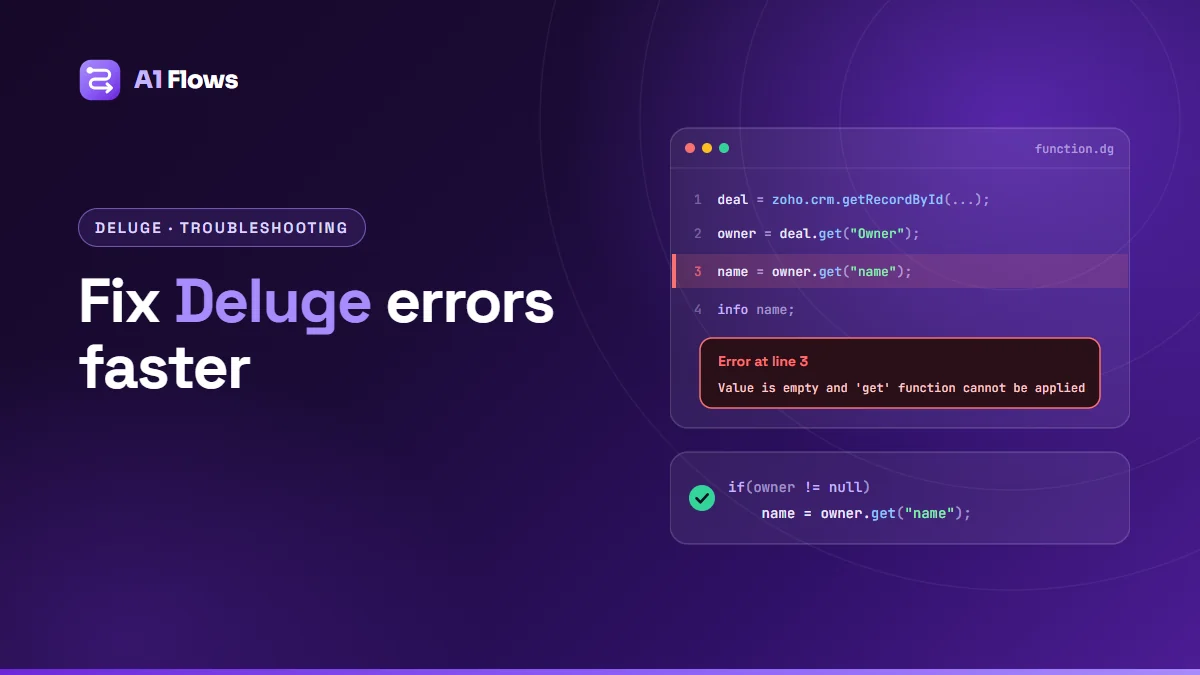
info is the print statement. Everything you send to it appears in the script’s execution log, and it is the main debugging tool you have — there is no breakpoint, no step-through and no local debugger. Expect to write a lot of info.
Working with text
Text handling is where Deluge is at its most generous. The functions are chainable and named roughly as you would guess:
full = "  Priya Sharma  ";
clean = full.trim();                     // "Priya Sharma"
upper = clean.toUpperCase();             // "PRIYA SHARMA"
first = clean.getPrefix(" ");            // "Priya"
has   = clean.contains("Sharma");        // true
parts = clean.toList(" ");               // {"Priya","Sharma"}
safe  = clean.replaceAll("Priya","P.");  // "P. Sharma"
Talking to Zoho apps from Deluge
This is the reason the language exists. Every Zoho product exposes a set of integration tasks, and they follow a predictable shape — zoho.<product>.<action>:
// Read a CRM record
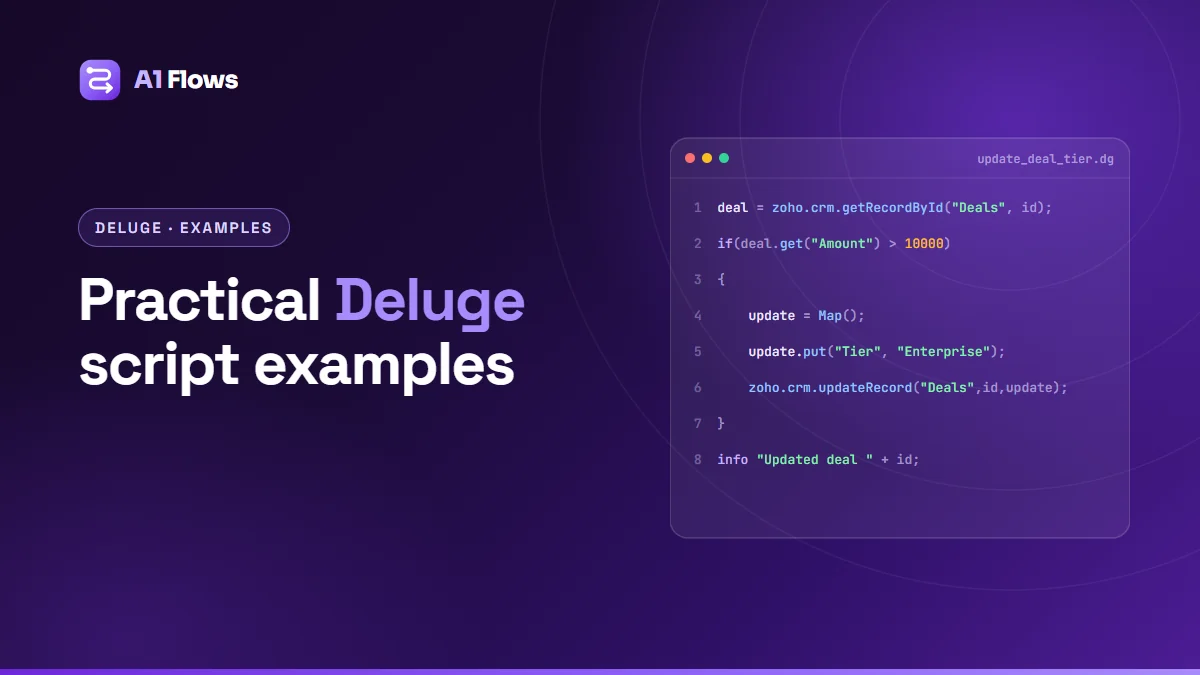
deal = zoho.crm.getRecordById("Deals", dealId);

// Update one
update = Map();
update.put("Stage", "Closed Won");
response = zoho.crm.updateRecord("Deals", dealId, update);

// Search
won = zoho.crm.searchRecords("Deals", "(Stage:equals:Closed Won)");

// Create an invoice in Books
invoice = zoho.books.createRecord("Invoices", orgId, invoiceMap);
Two things to know about these calls. First, most of them return a map, so you read the result with response.get("…") rather than treating it as an object. Second, calls that cross from one product into another need a connection — an OAuth link you set up once in the product’s settings and then name in the call. Forgetting the connection is the single most common reason a script that works in the editor fails when it runs for real.
Calling anything else: invokeurl
When there is no built-in task — a third-party API, your own server, a webhook — invokeurl is the escape hatch. It is an HTTP client with a slightly unusual bracket syntax:
response = invokeurl
[
    url: "https://api.example.com/v1/customers"
    type: POST
    parameters: {"name": "Priya Sharma", "plan": "pro"}.toString()
    headers: {"Authorization": "Bearer " + token, "Content-Type": "application/json"}
];
info response;
A few hard-won notes. Send JSON bodies as a string with .toString() rather than passing the map directly, or you will spend an afternoon wondering why the other end sees form-encoded data. Set Content-Type explicitly. And if the API you are calling needs OAuth, create a connection and add connection:"name" to the block instead of managing refresh tokens by hand — Zoho will do the refreshing for you.
Error handling
Deluge supports try and catch, and you should use them around anything that touches a network:
try
{
    response = invokeurl
    [
        url: endpoint
        type: GET
    ];
    info response;
}
catch (e)
{
    info "Call failed: " + e;
    // notify someone, write a log record, set a retry flag
}
The catch block is not decoration. A Deluge script that throws inside a workflow usually fails silently from the user’s point of view — the record saves, the automation does not run, and nobody finds out until the number in a report looks wrong weeks later. Catching the error and writing it somewhere visible is the difference between a bug you fix in an hour and one you discover by accident.
The limits, and why your script hit one
Because Deluge runs on shared infrastructure, every execution runs inside limits: how long a script may run, how many statements it may execute, and how many integration calls it may make in one go. The exact numbers vary by product and plan, and Zoho publishes them in each product’s developer documentation — check there rather than trusting a number you read in a forum post from three years ago.
What matters more than the numbers is the shape of code that hits them. Almost always it is a loop over a large set of records making one API call per record. Two habits avoid most of it:
- Fetch in bulk, not in loops. One search that returns 200 records costs you one call. Two hundred
getRecordByIdcalls inside a loop cost you two hundred, and will run out of budget long before they finish. - Move long work to a scheduled function. If a job genuinely has to process thousands of records, do it on a schedule in batches, with a field marking where you got to, rather than trying to finish it inside a save.
Is Deluge a real programming language?
It is a question people ask, usually after a week of fighting it, and the honest answer is: it is a real scripting language with a narrow job.
You will not write a web server in it. There is no concurrency, no module system, no dependency management, and the tooling is a textarea in a browser. Version control is whatever you arrange yourself. Testing is running it and reading the log.
But inside its job it is genuinely well-designed. Reading a CRM record is one line, not an OAuth dance. Sending an email is one statement. Parsing JSON takes no library. The things that are tedious in a general-purpose language — authentication, serialisation, scheduling, record access — are the things Deluge makes trivial, and that is exactly the trade it was built to make.
Learning Deluge: a reasonable first week
- Write something that logs. Make a CRM function that runs on a button and prints a record to the log with
info. Get comfortable reading execution logs before you try to be clever. - Read, then write. Fetch a record, change one field, update it. That round trip is the core of most business automation.
- Learn maps properly. Every API response and every update payload is a map. Time spent on
get,put,toStringand iterating a map is time back within days. - Make one
invokeurlcall to a public API and get the response parsed. Once that works, no integration looks frightening. - Break something deliberately inside a
try/catchso you have seen what a failure looks like in the log before one happens in production.
Where to go next
Zoho’s own Deluge documentation is the reference you should keep open — it is accurate and it is the only place the per-product function lists and current limits are maintained. What it does not give you is judgement: when to use a scheduled function instead of a workflow, how to structure a script someone else will have to maintain, or which of three valid approaches will still work when your data is ten times bigger.
That part comes from writing a lot of it. If you would rather not learn it the slow way, our Deluge development service covers exactly this kind of work, and our guide to writing custom Deluge scripts walks through complete working examples across several Zoho apps.